One link, everywhere you stream
Put the same link in your bio, your caption and your pinned comment. It works on TikTok, Instagram, Facebook and WhatsApp, and it can carry your own domain instead of ours.
For Malaysian small business
A complete online store, hosted and looked after by us. No monthly fee and no expiry. The fee leaves your wallet only after a sale succeeds.
From RM50 prepaid · 1.8% per sale · up to 20% of fees back
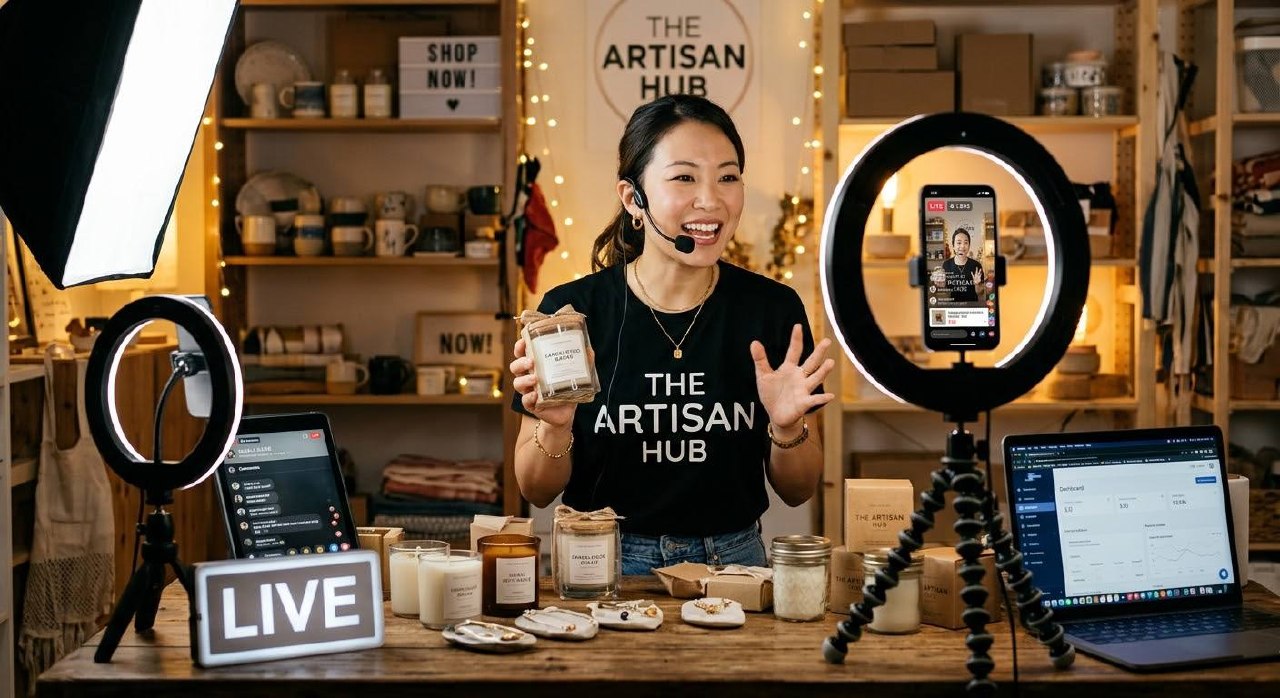
Illustration of one RM86 sale. Live at yourname.kedai.store, or on your own domain.
No monthly fee
Hosting, SSL and updates stay with us.
Fee only on a sale
Taken from your wallet after the order is paid.
Pay the Malaysian way
DuitNow QR, transfer, COD, WhatsApp, or card.
Your name on the door
Custom domain and a theme that reads as you.
How it works
No upfront development cost. We carry the build and the hosting. You carry the products and the sales.
We build, host and maintain it. No upfront development cost. Products, cart, checkout, a theme you choose, and your own payment gateway when you are ready.
That top-up sets your fee rate. The rate stays with the top-up. Oldest credit is spent first.
The fee leaves the wallet only when a sale succeeds. A quiet month costs nothing.
If you sell live
One link works wherever you stream. The orders, the payments and the parcels keep moving after you stop talking.
Put the same link in your bio, your caption and your pinned comment. It works on TikTok, Instagram, Facebook and WhatsApp, and it can carry your own domain instead of ours.
A guest checks out while you are still talking. No account to create, no DM to answer later, and the order carries a number you can read out on camera.
DuitNow QR, transfer, cash on delivery, WhatsApp, or card through the shop's own CHIP account. The shopper pays the way they already pay.
Book the parcel with Delyva or EasyParcel on the shop's own courier account, or type the tracking number yourself. Either way the consignment lands on the order.
Rates
One rate at a time: the rate your latest top-up bought. Every sale is charged at that rate until you top up again.
New kedai also receive RM 5.00 welcome credit for 30 days.
The fee is on goods after discounts, not on shipping. An RM0 sale is an RM0 fee. Unused top-up credit stays valid for 12 months.
Cashback
Each month we look at what you sold and the fees you paid. Reach a tier and a share of those fees returns to your wallet as credit, up to RM500 a month.
10%
Starter Growth
RM10,000 a month
15%
Growth Champion
RM30,000 a month
20%
Sales Superstar
RM50,000 a month
Worked example
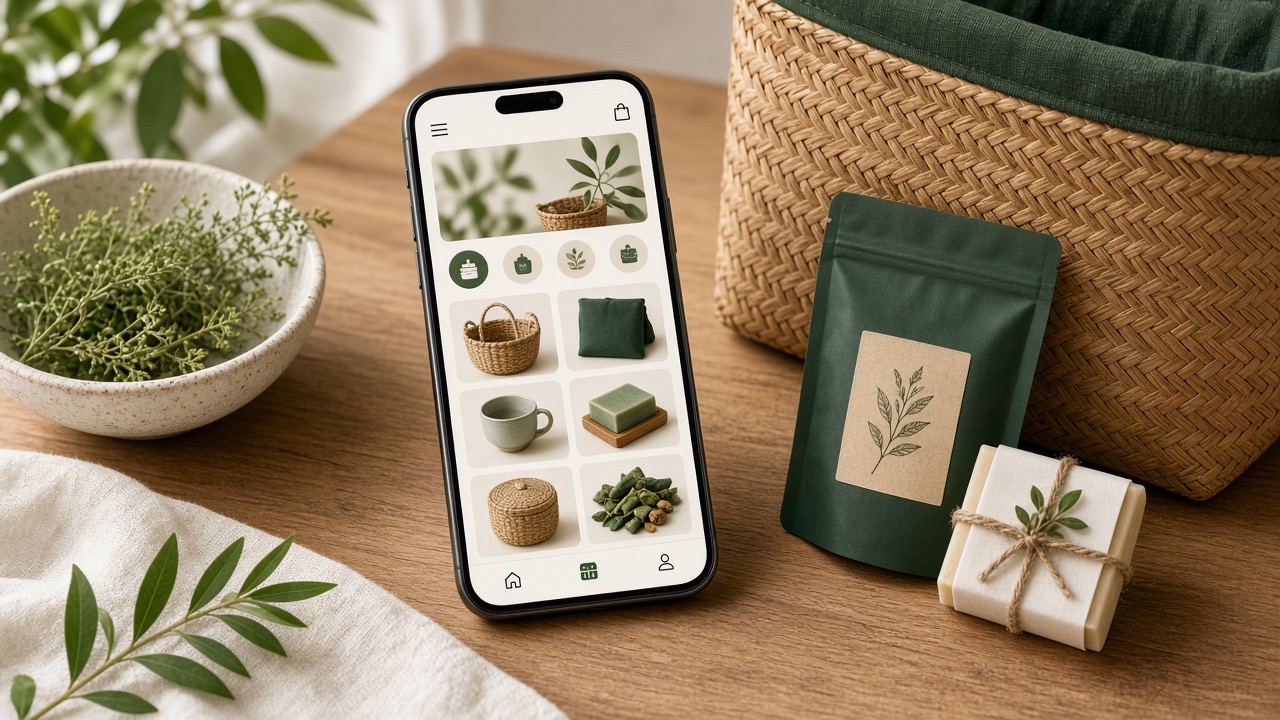
The storefront
Product pages, cart and checkout, on your domain and in a category theme, so the kedai looks like yours and not like a template farm.
Price, photos, options and a sticky buy bar sit in the first screen, so a shopper can add to bag without hunting.
Quantity, shipping and free-over-threshold rates update before checkout. Nobody leaves the store to change their mind.
Guest checkout, a sticky order summary, and the payment they already use: transfer, DuitNow QR, cash on delivery, WhatsApp or card.
Start on yourname.kedai.store. Connect your own domain in settings and pick a category theme, so the kedai reads as your brand.
Payments
Four ways need no gateway: the shopper pays the shop directly. Card runs through CHIP once a shop switches it on, and that CHIP account can be the shop's own.
Transfer to the shop and put the order number in the reference.
Scan a QR code with any banking app.
Pay in cash when the order is handed over.
Send the order to the shop in a chat.
Card stays off until a shop turns it on in settings. When it is on, the shopper pays on the CHIP payment page.
Every online payment then settles straight into your own CHIP account, so the money never passes through the platform. Connecting takes about a minute: copy your Brand ID and a live key from the CHIP Merchant Portal, paste them into shop settings, and save.
Depending on the CHIP account, the CHIP payment page can offer


Either way, the fee comes from the shop's prepaid wallet after a sale succeeds, never out of the shopper's payment.
Delivery
The courier account is the shop's own, never ours. kedaistore never pays a courier and never adds a margin to a rate, so a parcel costs the shop exactly what its courier charges it.
A paid order books its own consignment with the account the shop connected. The number the courier returns is written onto the box, so nobody retypes it at six in the evening.
Sender and receiver follow MS 2781:2023, the Malaysian standard for the logistics dataset, so one address serves Delyva, EasyParcel, and every compliant courier that comes after them.
The manual path stays, permanently. Type a tracking number, or hand the parcel to any courier at all. Connecting an account is a convenience, never a condition of selling.
Connect your own courier account with


Each provider is saved on its own row, so connecting Delyva today cannot disturb an EasyParcel key pasted last month. A courier charge settles on the shop's own courier account and never through the wallet, so the fee ledger stays a sales ledger.
Invite a kawan
Share your link. When a kawan opens a kedai and tops up RM50, you both receive RM10 wallet credit toward fees. Credit is not cash.
RM10 lands in your wallet after they activate. Extra milestones pay RM30, RM200 and RM500 as more kedai qualify.
They get RM10 too, on top of the RM50 top-up, so the first fees come from a wallet that is already warmed.
No development invoice, no hosting bill, no trial clock, no store expiry. Hosting, SSL, backups and updates stay with us.
The fee is taken only when a sale succeeds, on the goods subtotal after discounts. An RM0 sale is an RM0 fee. A refund credits the fee back.
The kedai stays online at zero wallet. Admin goes read-only until you top up. No ticket, no waiting.
You own the branding, logos, products and domain. Point your own domain at the kedai and pick a theme so it looks like you.
Mint a key in the portal. Send it as a bearer token. Version 1 of the read API covers the kedai, catalogue, orders, subscriptions and shipping, and it can never charge the wallet. Give the same key a managing ability and you can hand the shop to an AI: the API guide lists every operation it may run, and where the line is.
$ export KEDAI_KEY="ks_live_<prefix>_<secret>"
$ curl -s https://kedai.store/api/v1/shop \
    -H "Authorization: Bearer $KEDAI_KEY" \
    -H "Accept: application/json"

{
  "data": {
    "name": "New Store",
    "slug": "demo-new",
    "domain": "demo-new.kedai.store",
    "currency": "MYR",
    "timezone": "Asia/Kuala_Lumpur"
  }
}
The JSON is the shop object from OpenAPI. The key is shown once when you mint it. v1 never writes.
Point Claude, Cursor, ChatGPT or any client that speaks the Model Context Protocol at your kedai and the work becomes a sentence instead of a screen: add a product, move an order through fulfilment, publish the theme. One endpoint, one key, 87 tools.
A key runs the shop, and four things stay yours: topping up the wallet, closing the shop, the CHIP and courier credentials, and handing the shop over. No key can reach them, whichever ability it was granted.
{
  "mcpServers": {
    "my-kedai": {
      "type": "http",
      "url": "https://<your-kedai>.kedai.store/api/mcp",
      "headers": { "Authorization": "Bearer <your key>" }
    }
  }
}
JSON-RPC 2.0 at protocol revision 2025-06-18, with no session and no cookie. The field names differ a little between clients, so the URL and the Authorization header are the two things to carry across. A client that only speaks stdio needs a small bridge in front of it.
Build or open
Four things sit between a page and a first sale, and not one of them is the page.
A payment gateway
Yourself:Onboard with a provider, then get FPX switched on before a single sale can clear.
Here:Bank transfer, DuitNow QR, cash on delivery, WhatsApp and card are ready, or point the kedai at its own CHIP account.
Two couriers
Yourself:Two accounts, two APIs, and one address schema to reconcile between them.
Here:Delyva and EasyParcel connect with the shop's own account, or the tracking number is typed by hand.
A domain
Yourself:Buy it, point it, and keep it pointed when something moves underneath.
Here:Live at yourname.kedai.store from the first minute, or on your own domain connected in settings.
A certificate
Yourself:Issue it, then remember to renew it before it lapses.
Here:Issued and renewed for the kedai, and for the shop's own domain once it is connected.
Questions
Building it yourself means wiring a payment gateway, two couriers, a domain and a certificate before the first sale. Here, that is already done.
Create the kedai, add products, take the first order. Invite a kawan when you are ready.